
Batch Rename
Add, remove, replace, change case, swap extensions — stack multiple rules and apply to hundreds of files at once.
Developed by Digigalary
Magic Bulk Renamer turns messy filenames into clean, organized names with live preview, smart filters, and one-click undo. Try everything free for 14 days on monthly or annual plans. No cloud uploads.
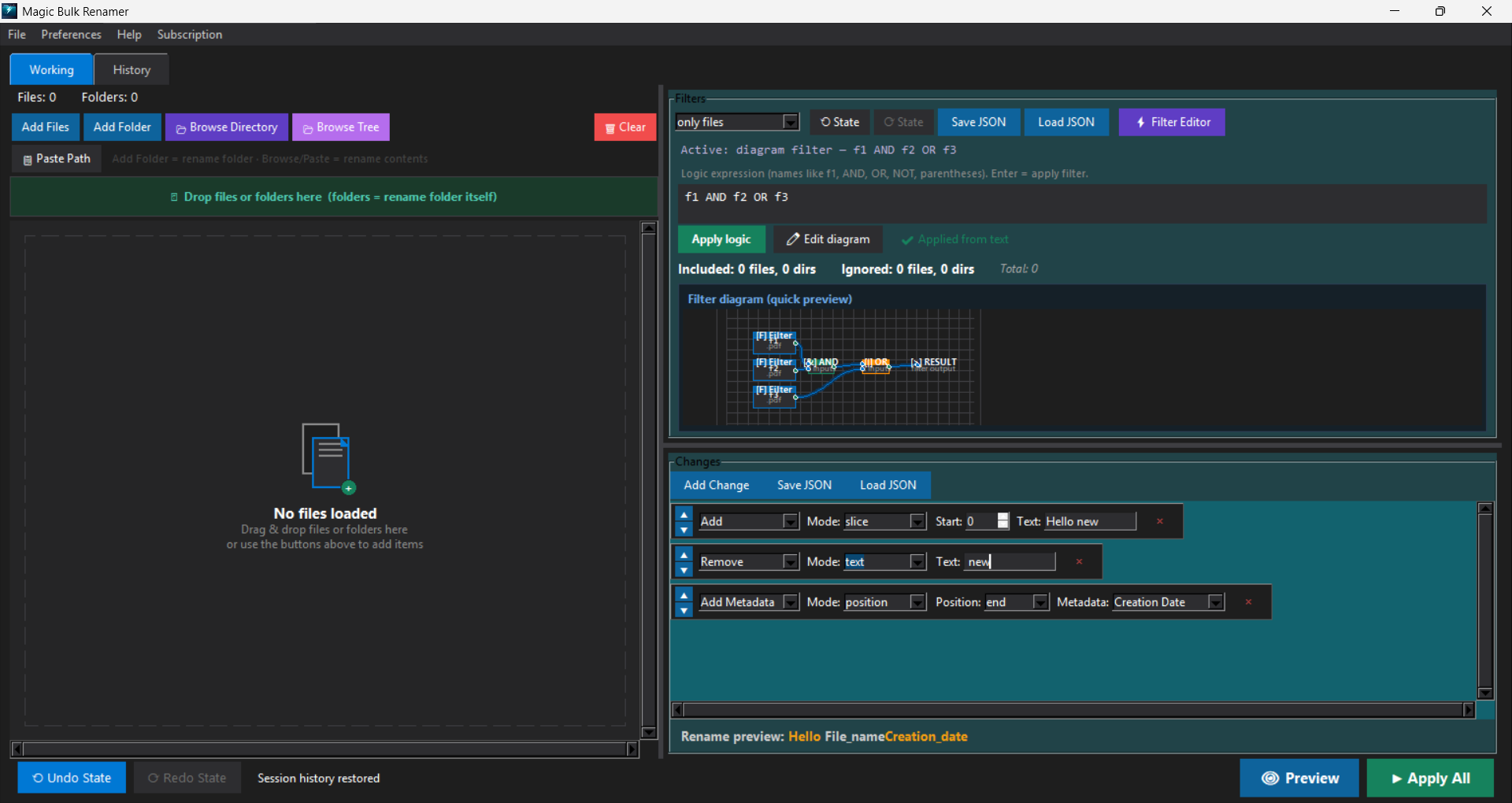
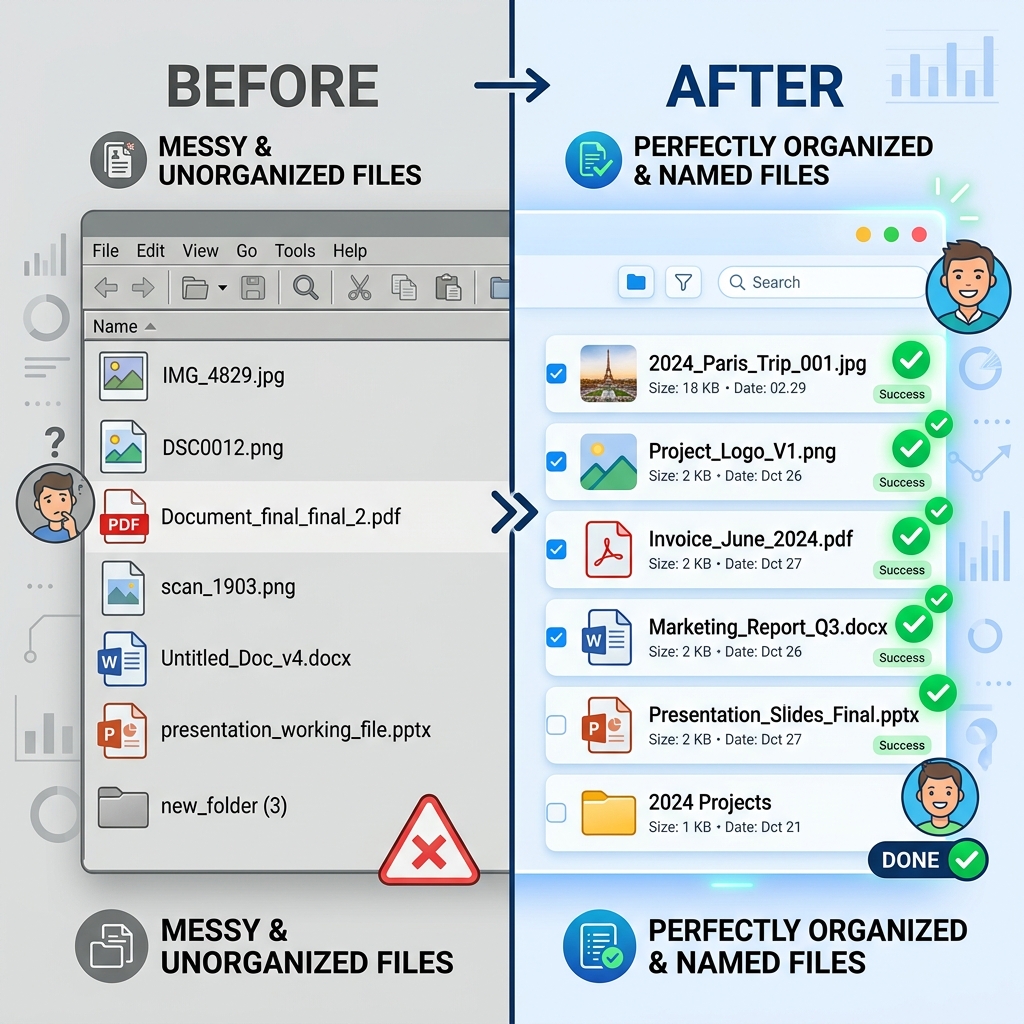
The problem & solution
Hundreds of camera dumps, downloads, and project files with chaotic names? Magic Bulk Renamer fixes them all in one batch — safely, with preview first.
Try it live
Advanced power
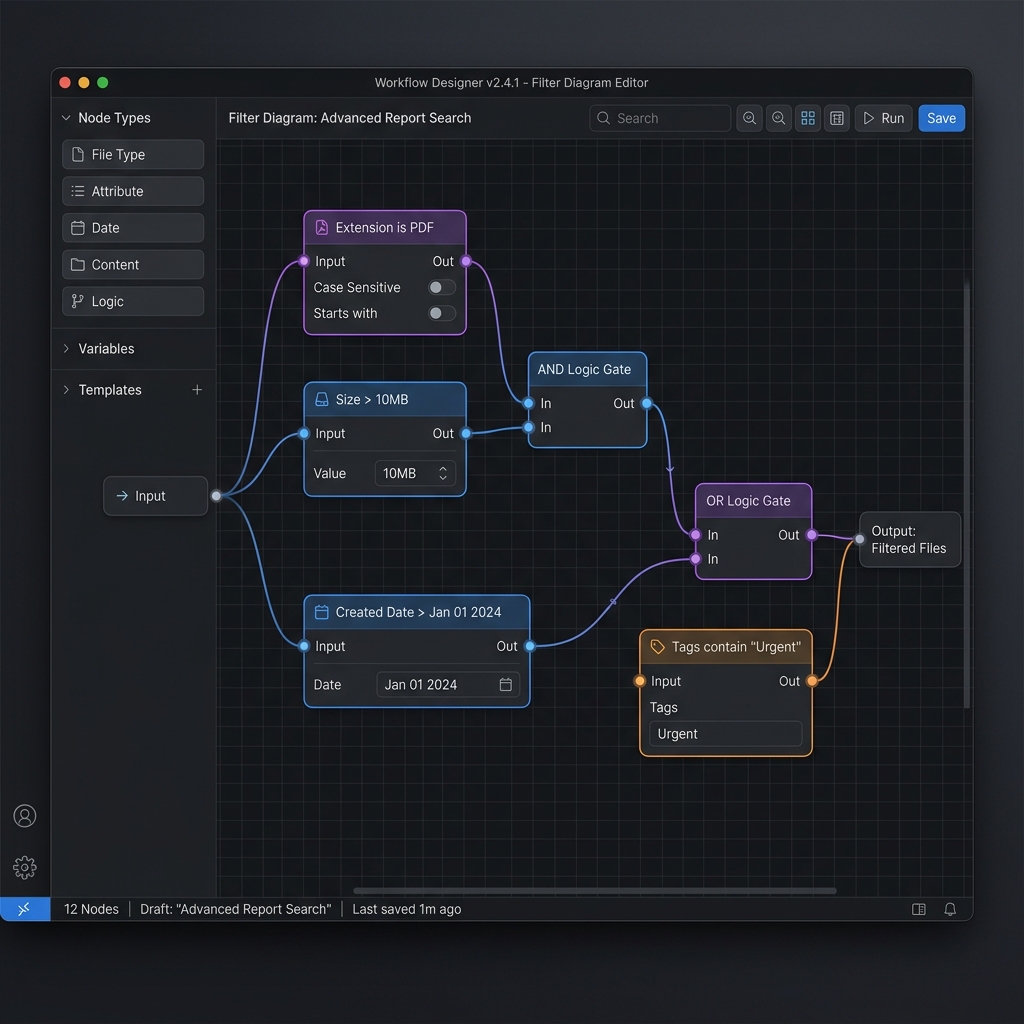
Build smart filter logic visually — no regex guessing. Connect nodes with AND/OR, then apply to every matching file instantly.
What you get
Powerful batch operations, smart filters, workspaces, and EXIF metadata — all in one beautiful Windows app.
Add, remove, replace, change case, swap extensions — stack multiple rules and apply to hundreds of files at once.
Filter by size, date, or file type. Combine with AND/OR logic and NOT for surgical precision.
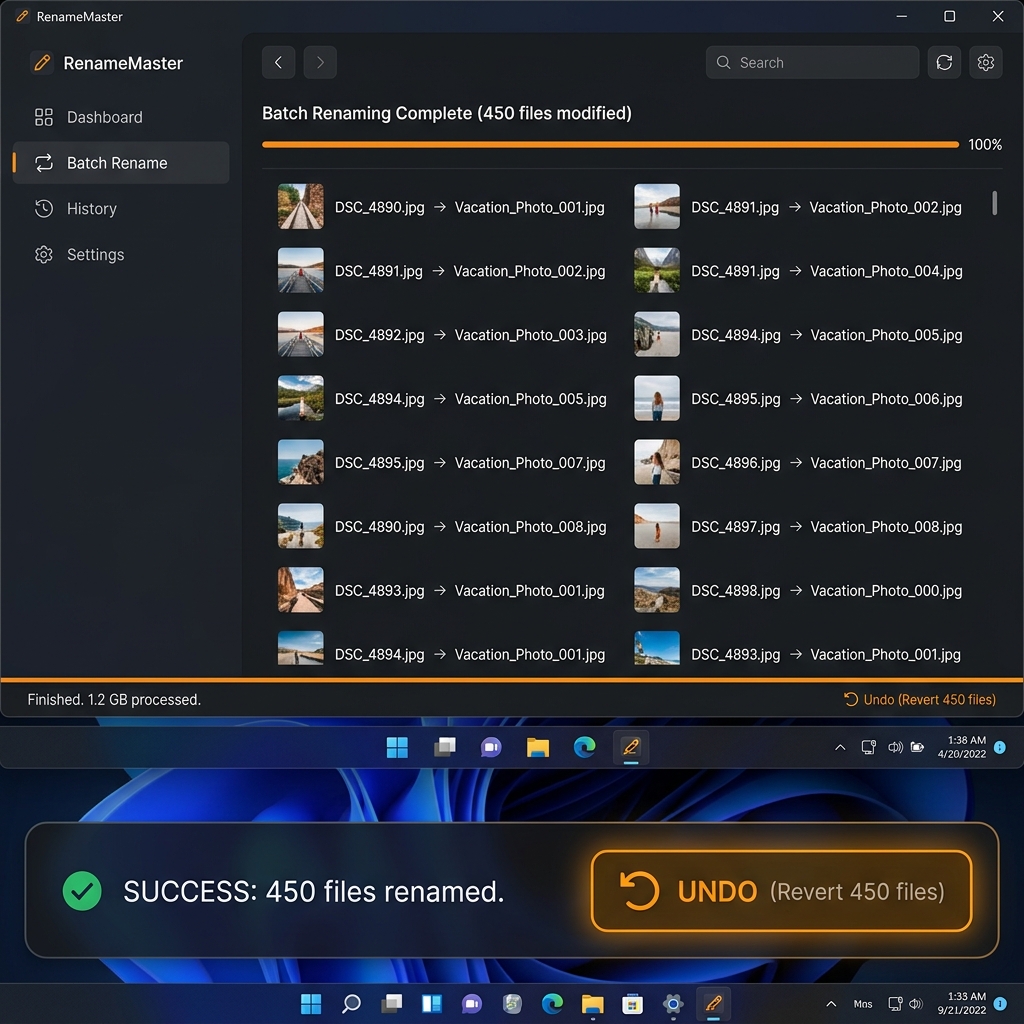
One click restores original names. Both UI-level and file-level undo supported.
Save your entire session — files, rules, filters — as a .frworks file and resume anytime.
Rename photos using embedded EXIF — date taken, creation date, modification date, and file size.
Drag files and folders directly in. Browse directories and include sub-items with one click.
Quick start
Drag entire folders or pick specific files. The app instantly lists everything, including nested subfolders.
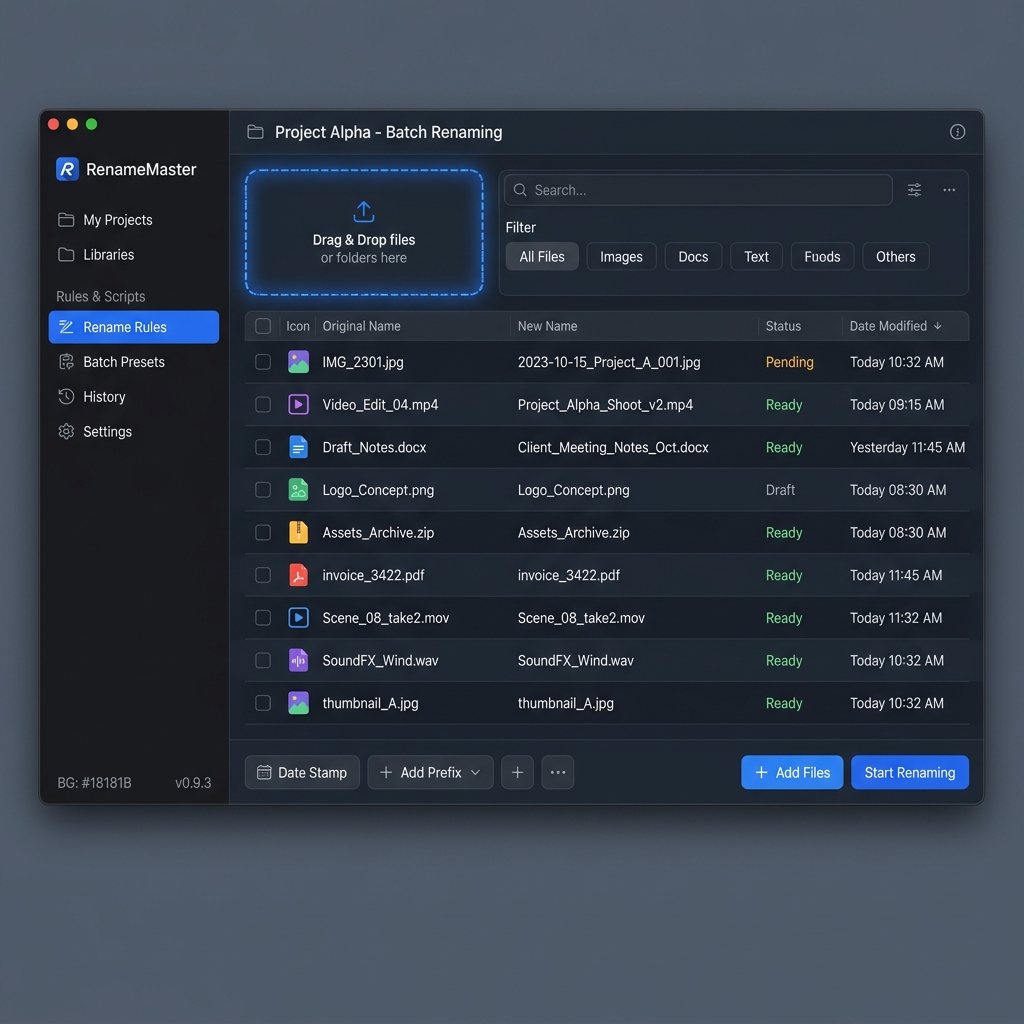
Stack rules like prefix, replace text, or change case. Live preview highlights exactly what will change before you commit.
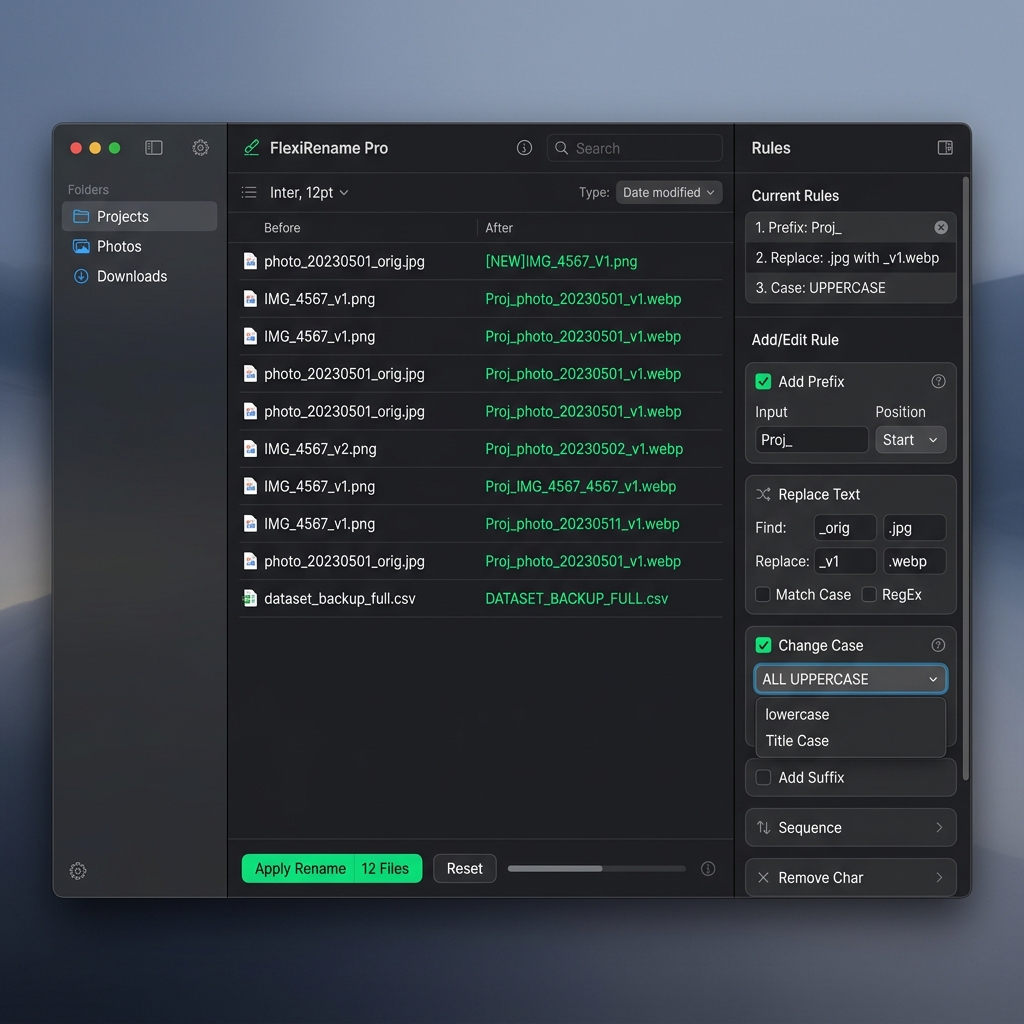
Hit Apply and watch thousands rename in a flash. Typo? The prominent Undo button restores everything instantly.
Personalize

Dark Default
Light
Dracula
Ocean Dark
Simple pricing
Start free, then pick monthly or annual Pro. Cancel anytime.
Download & try
per month after trial · cancel anytime
per year after trial · $60 value at monthly rate
Secure checkout · Instant download · License key by email
Questions?
Pro is a subscription with a 14-day free trial on both monthly ($5/month) and annual ($50/year, save $10 vs monthly). There is no separate free app — start the trial to use all features.
Choose monthly or annual and start your trial. You get full Pro access for 14 days. If you cancel before the trial ends, you will not be charged.
Yes! Magic Bulk Renamer runs on Windows 10 and 11 (64-bit). Download the installer or portable .exe and run — no complex setup.
Absolutely. Full undo/redo at the file level. Live preview lets you verify every change before applying. Your files never leave your computer.
After purchase you'll receive a license key by email. Open Magic Bulk Renamer, enter your key in the activation dialog, and all Pro features unlock instantly.
Yes! Add entire directories including subfolders. Filter by type, size, or date to target exactly the files you need.
Pro license holders get priority email support at support@digigalary.com. We typically respond within 24 hours.

Join photographers, designers, and power users who save hours every week.